♫ LISTEN
Lo-fi music for work and study
Choose an original track from Lofi Lucky’s music player, or listen to a sample below before you settle in.
Lucky’s Late Night · 20-second preview

 Lofi Lucky
Microsoft Store
A DESKTOP PET FOR WINDOWS
Your ultimate productivity pet.
So much cuteness, productivity, and fun in one little companion!
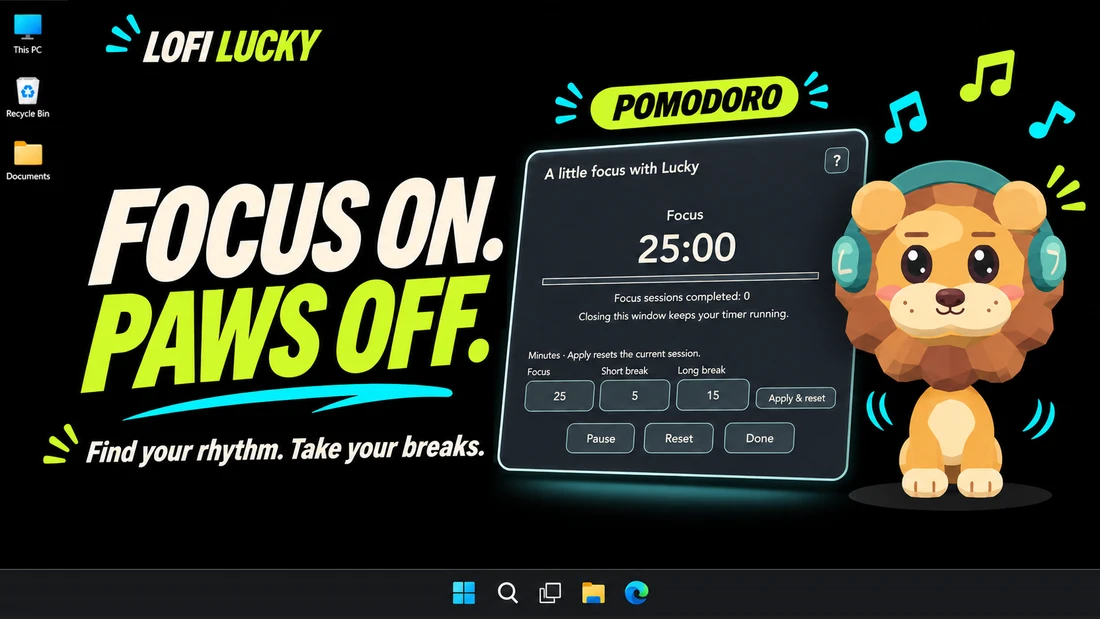
Lofi Lucky is an animated taskbar pet with original lo-fi music, a Pomodoro timer, and quick games for your Windows desktop.

MEET YOUR DESKTOP COMPANION
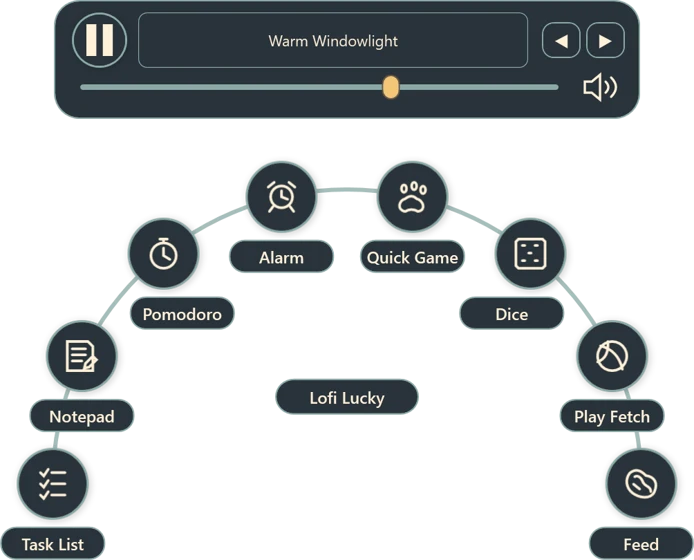
Left-click Lofi Lucky to bring up his music player, focus tools, and quick games.
Choose an original track from Lofi Lucky’s music player, or listen to a sample below before you settle in.
Lucky’s Late Night · 20-second preview
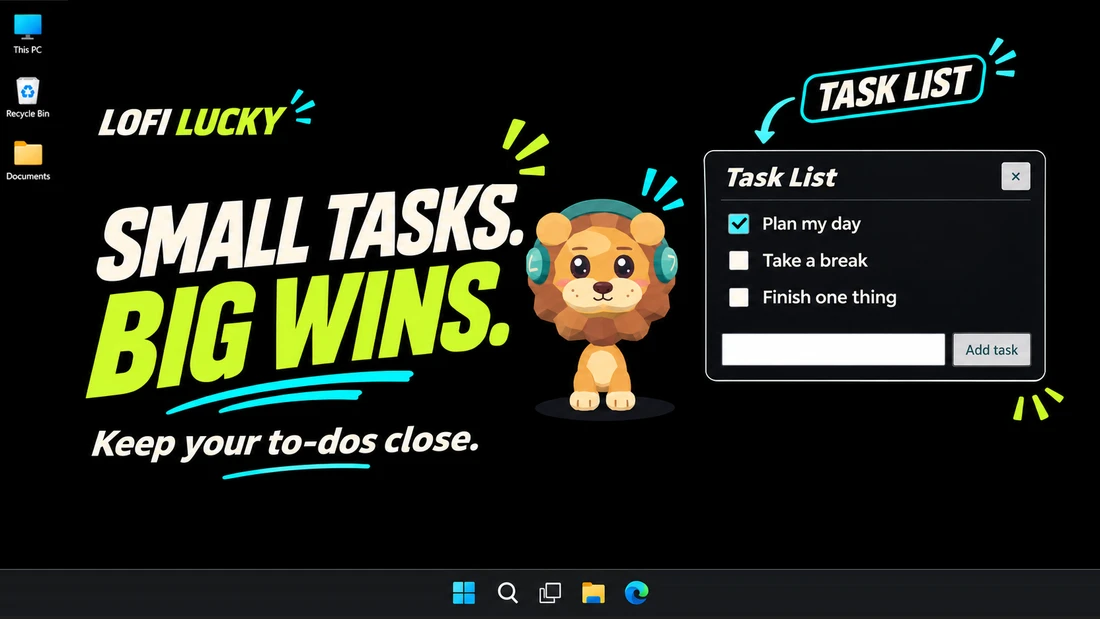
Make a task list, jot down a thought, or start a Pomodoro focus session.
Throw Lofi Lucky a ball, try a quick game, or roll the dice.

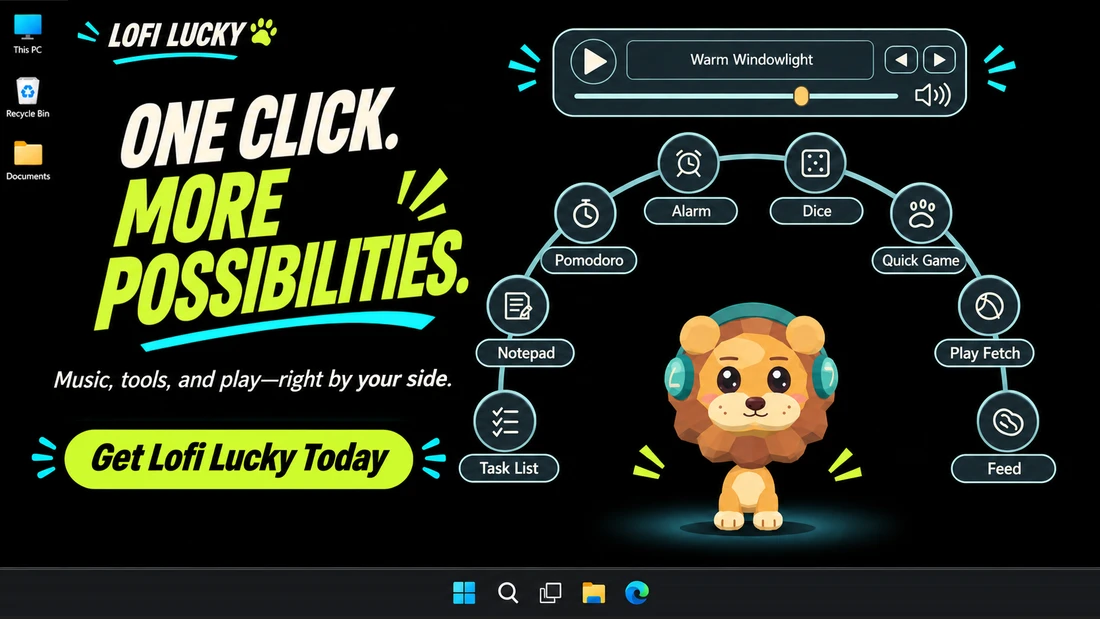
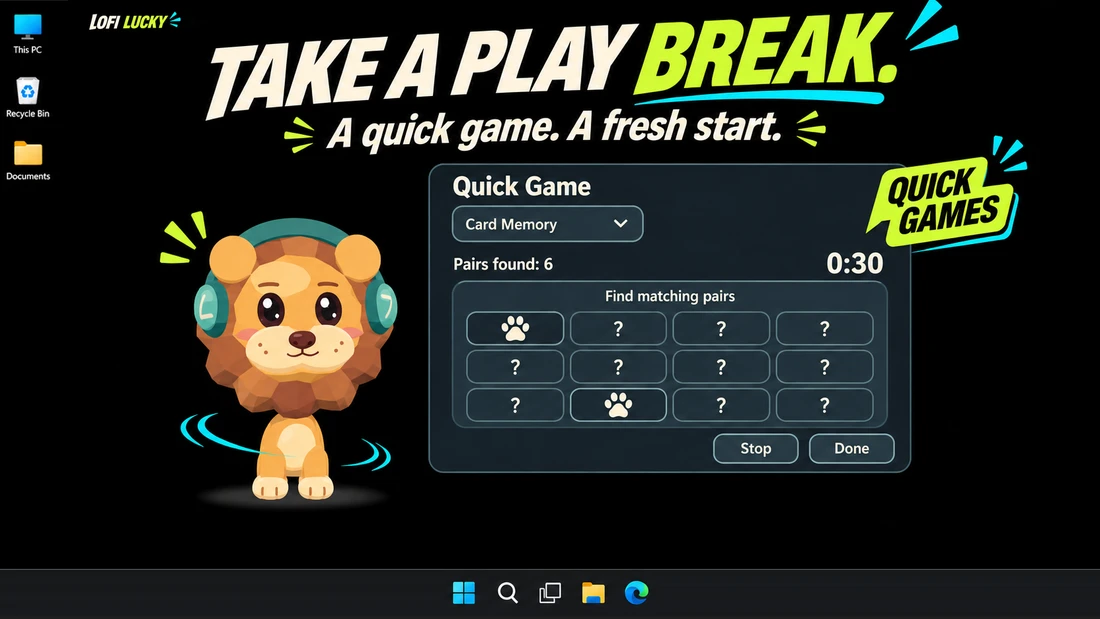
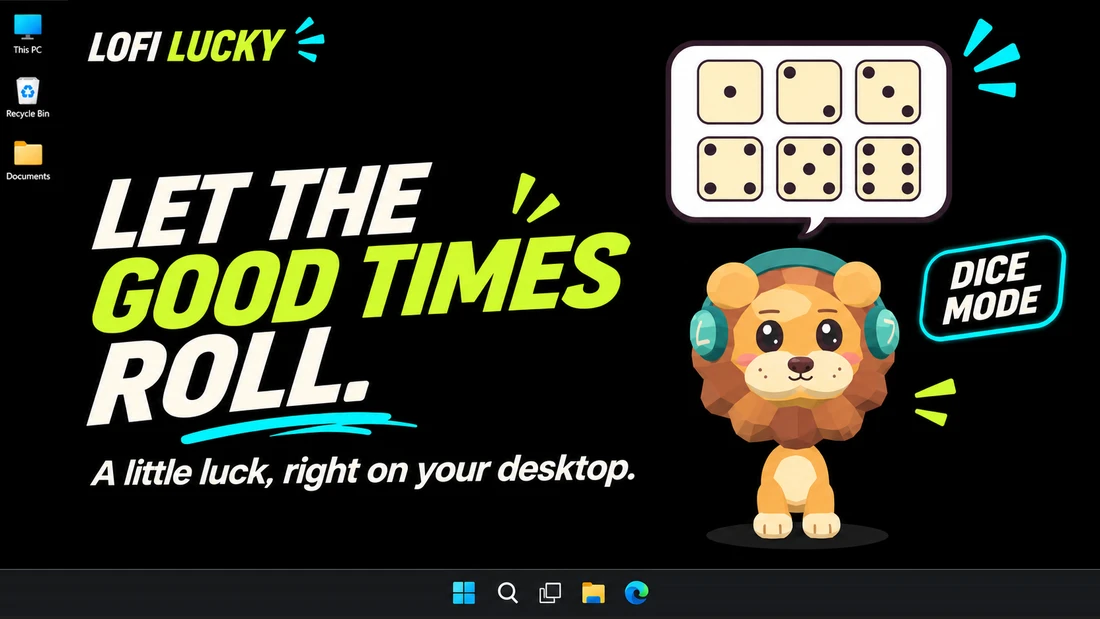
Left-click Lofi Lucky to put on a lo-fi track, plan the next step, or settle into a focus session.
Between tasks, pop a few bubbles, flip some cards in Card Memory, or let the dice pick who goes first. A quick game gives you something playful to do for a minute and a clear point to stop when you’re ready to get back to work.
In the mood for something gentler? Toss Lofi Lucky a ball and watch him chase it, or offer him a treat. You get a small change of pace. He gets to do his very important lion business.
Lofi Lucky can perch on your taskbar while you write, study, or work through your inbox. Sometimes he’ll wander off for a sniff. Sometimes he’ll settle down for a nap. You can leave the music on or share a quiet desktop.
Who knew you could pack so much cuteness, productivity, and fun into one little companion?
GOOD TO KNOW
Lofi Lucky is an animated lion who lives on your Windows taskbar. Click him to play original lo-fi music, open a focus tool, or start a game. You can also toss him a ball or give him a treat.
Yes. Pause the music in Lofi Lucky’s player and adjust sound and motion options in Settings.
Lofi Lucky’s menu includes an original lo-fi music player, task list, notepad, Pomodoro timer, alarm, and timer.
Find Lofi Lucky for Windows on the Microsoft Store.